Why I left Hyprland for Niri
TL;DR: Hyprland 0.55 switched from Hyprlang to Lua, breaking EVERYTHING. I had spent days, even weeks, tweaking my setup to what I considered complete just weeks before the announcement. This is how I saved myself from 10+ hours of pain and created the ideal productivity environment in under 2 hours.
Angel Santiago
5/13/20269 min read
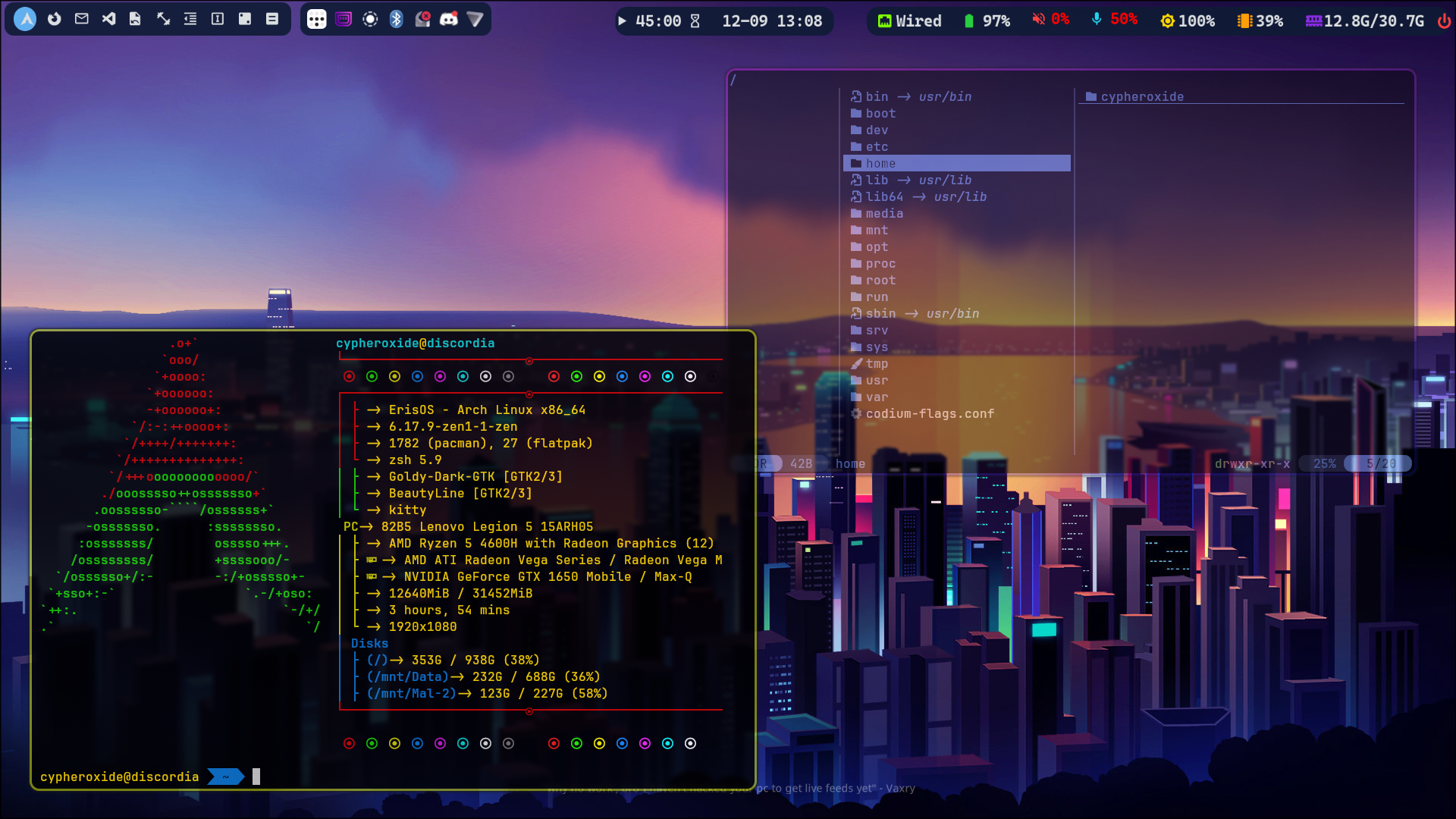
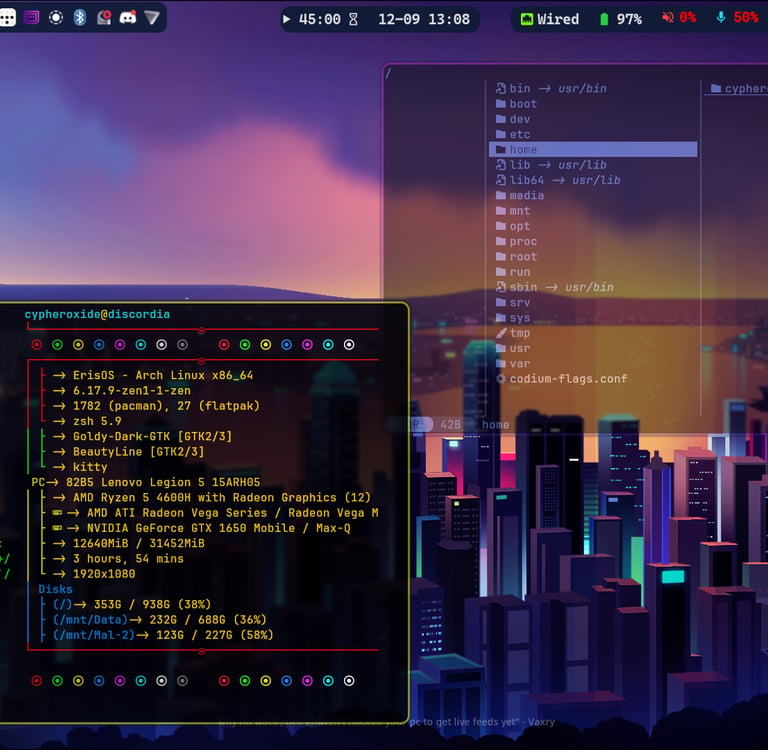
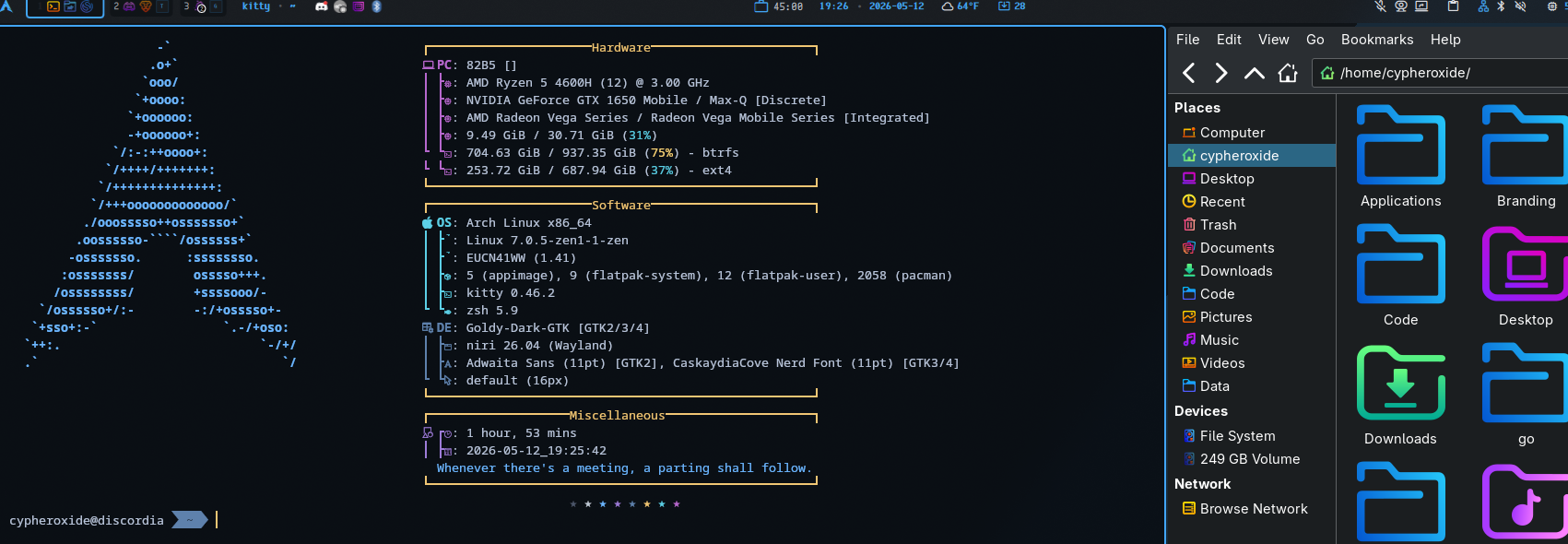
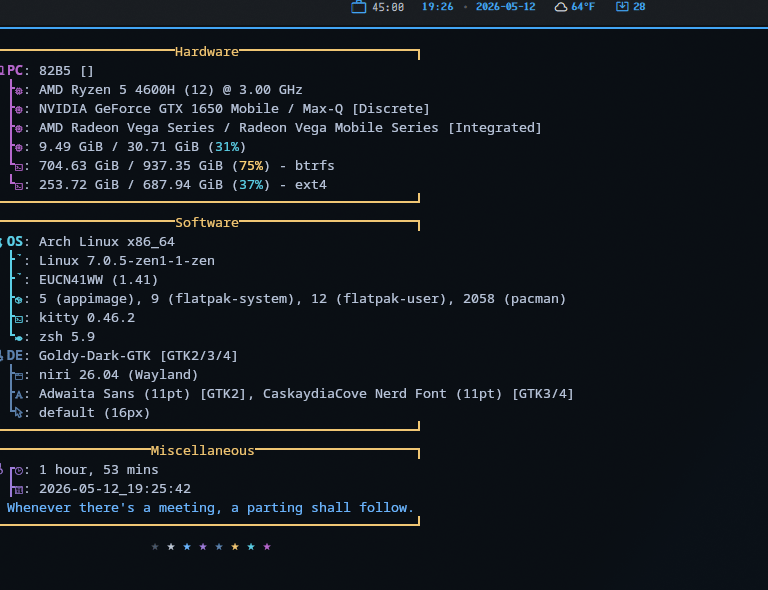
Prelude: Weeks of Tweaking to Completion
Let's get the obvious out of the way: Yes, I use Arch btw... While my Linux journey has lasted the better part of two decades, that story will be for a different time.
May 9, 2026 - Hyprland 0.55 was officially released. The initial release in 2022, Hyprland was a new dynamic tiling Wayland compositor the featured smooth animations, rounded corners, and was based on its own in-house backend instead of wlroots like other similar Wayland compositors. With live reloading of the environment showcasing updates, configuration was handled via a plain-text config and supported automatic tiling, floating windows, socket-based IPC support, and permitted global keybinds for any application. Despite various community controversies with the main developer Vaxry, Hyprland quickly took the Linux world by storm and became one of the most popular Wayland compositors.
The Setup: The Path to Productivity
After many years of distro-hopping and trying out different desktop environments on Linux, including a switch from a dual-boot Windows/Garuda setup early on in my degree program to 100% vanilla Arch, I have developed a preference for what I find productive. For years, I jumped from one distro to another, often just to test out different desktops and get that "new car" type of feeling on a freshly installed system. From Gnome 2 to Mate, LXDE to Unity, I have been on almost every desktop environment up to about 2016 and a few window managers like Fluxbox and IceWM, as well. As Johnny Cash once said, I've been everywhere. Eventually, I would find myself disliking the direction Gnome 3 was going and settled on KDE Plasma 4.9, and I stayed on KDE for years throughout the pains of the 2000s and 2010s Linux desktop. Fast forward to the summer of '22, and I made a major change to my setup; I deleted my 3 year old Garuda Linux install to install vanilla Arch the "Arch way" with KDE Plasma. That lasted about 8 months, as Hyprland had dropped and was invading my Reddit and YouTube feeds.
Full disclosure, I was the "Widgets Guy" with Plasma. Fancy clock widget, multiple sensor widgets, notes widgets, network speed widget, if there was a widget that displayed even somewhat relevant information, I had it on my Plasma desktop. My panel was crammed full of systray and app icons like I had never left a Windows environment. In short, my desktop should have been on one of the hoarder TV shows. So when I heard about an auto-tiling window manager that was smooth and becoming seriously popular, I got interested. I did a little exploring, watched hours of videos, and dug through pages of "ricing" posts on Reddit, all where people were showcasing Hyprland and the fancy interfaces they spent hours creating. I thought it looked pretty, and I wanted to see if could actually help with my productivity. Rather than installing directly to my machine and faffing about for hours with a borked system, I did the semi-dumb, but reasonably smart idea of grabbing a distro that shipped with Hyprland, good ol' Garuda Linux with Hyprland pre-configured and booted into the live system to play. Oh jeez....
Without sugar coating it, I hated Hyprland. Admittedly, I hated it for the wrong reasons, and instead of learning something new, I pushed it away and went back to my comfortable Plasma desktop. I would graduate with my degree in the summer of '23 and start working at my first NOC job in April of '24 before I would revist Hyprland again. After nearly 2 full years of being aware of Hyprland and tiling window managers (and a failed experiment to configure Plasma with Polonium), I decided I would make the jump and learn to use Hyprland. To ensure I wouldn't destroy my lived-in Plasma environment, I picked up a second drive for my laptop and proceeded to use a secondary Arch system (I used Linutil by Chris Titus for this one) to test out various popular pre-configured Hyprland configs. I had know of JaKooLit's various rices, especially the one for KDE, but I started discovering others like ML4W's early dotfiles and Illogical Impulse. HyDE was the only one that I saw myself willing to use for more than a few hours before rolling back changes via Snapper. Then I got the idea to make my own configuration using Typecraft's video tutorial as guidance, and saneAspect's videos to fully configure my system the way I wanted. For 8 months, I slowly tweaked, updated, modified, and perfected my configuration, it was finished.
The Breaking Point
May 11, 2026 - First thing I do every Monday night is run a full system update with arch-update in a terminal; this updates my normal system packages, AUR apps, and flatpaks. Not one thought about the updates being installed, and arch-update usually displays big changes from the Arch Linux news page, such as when Nvidia changed their proprietary drivers to 'nvidia-open' and dropped support older card generations. That update broke a lot of configurations that were looking for the original proprietary driver, and I spent weeks chasing down a missing firmware file in the driver for my laptop (which is still supported, at the time of writing this). This time, one weekly system update and reboot later that night, everything was broken. I went hunting for answers on the wiki, the GitHub repository, and even r/Hyprland; supposedly, Hyprland's Lua conversion was in play, but it would still support the older config file setup with Hyprlang syntax. It wasn't until I hit the second hour of searching that I said "Screw it". I downgraded my Hyprland packages to 0.54 and added them to my pacman IgnorePkg list.
I spent months working on my setup, from setting up LUKS2 + AES-XTS encryption and dual UKIs to a fully manual configuration of Hyprland with custom scripts and environment tweaks for my specific workflow. Just a couple of weeks before the Lua announcement, I had finished configuring my environment.

The "Average" Arch user - r/linuxmemes
There's a certain irony as both an Arch user AND as a Hyprland user. I thought I had finally hit my end-game configuration and setup. I was a Cybersecurity undergrad when I first switched to Arch-based distros and vanilla Arch, pulling triple duty with a full-time job, full-time school, and part-time blogging with my perfected Hyprland setup. I used it during my time at a satellite NOC/ISP and my job at a hyperscale data center build-out. Then, a routine weekly update and 0.55 dropped without me noticing. Suddenly:
Config files are broken
Custom plugins are non-functional
Workspace + Window rules gone
Days of debugging ahead of me
Most of the communities and forums I'm in have been in an ongoing flame war over the change. One side is complaining about having to learn a programming language to get their "desktop" back to a working state, the other side is either saying "git gud" or "just use an AI". I won't comment on the use of AI at this moment, but I have an issue when that has become the de facto bit of advice when users hit a wall like this. I don't have an issue with the choice to move to Lua, it makes sense for long-term functionality and stabilization; my issue is when the majority of a community, including the developer, has told the user base to just use AI to convert their configurations over. Honestly, I tried it, I tried the top 5 AI providers (Claude, ChatGPT/Codex, Gemini, Grok, Kimi K2.5) and my config was broken. Sure, the base Hyprland environment was working, but my plugins, customizations and styling were fundamentally fractured. It would take more than just rewriting my Hyprland configs to fix my environment, possibly days or weeks of first learning Lua, then rewriting my entire library of custom scripts and modules. To this day, my "first edition" Hyprland config is in a repo, and hardly any of it is the same as what I had before the update except the base Hyprland setup with modular configs.
Why Niri?
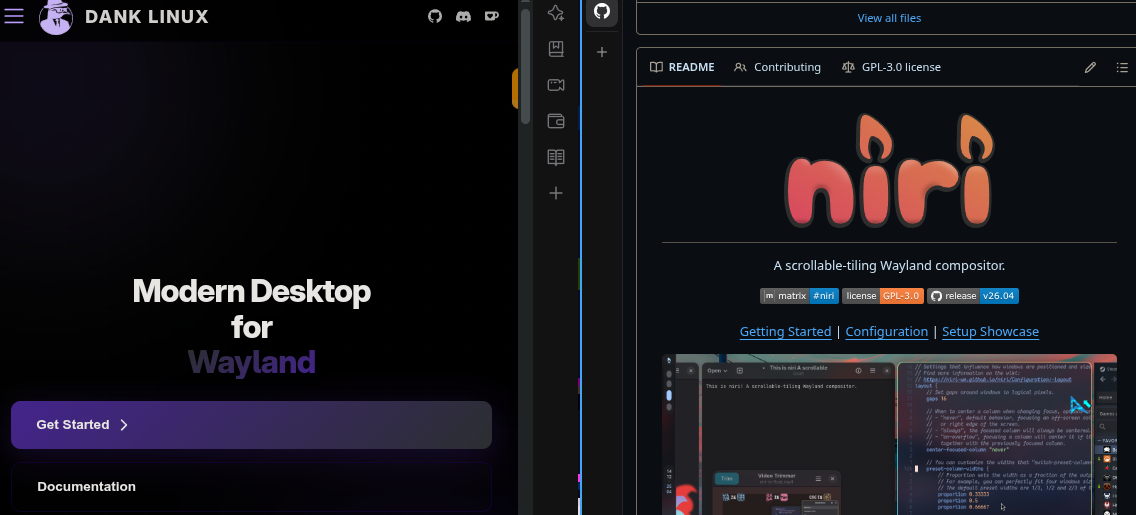
Niri is a scrolling/tiling Wayland compositor that has been gaining traction and popularity for a few months now. It's simpler, experiences less breaking updates, and, most importantly, it doesn't require the weeks of rewriting my entire config in Lua.
Yes, Niri is more about the "scroll" than about tiling and it's a different config language, specifically KDL (KDL Document Language). The important part of that is that it's a human-readable format designed to preserve formatting and comments. It feels familiar like JSON and TOML with key/value pairs. That is a game-changer compared to using actual programming languages for configurations. Yes, programming languages give you the ability to do more, but I just need something that works without more days and weeks of tweaking. Despite the Arch user memes, I have a family AND a life outside of the terminal.
So why Niri? I needed something functionally stable, didn't require me to learn yet another new language to moderate competency, could be configured quickly, and still offered tiling and flexibility. Niri is simpler, functionally more stable, and could be quickly configured for my setup. I did not want to spend hours digging through documentation to fumble my way through setting up a new environment just to break it at the next update, so I did something I haven't done for years; I stole inspiration from a major ricer.
Enter DankMaterialShell
After a little research, I found that Waybar doesn't play well with Niri. Okay, fine. Despite hours of configuring my Waybar with custom Nerd font icons, custom weather and pomodoro modules, and my awful CSS styling, I accepted that my Waybar wouldn't be following me to Niri. I wasn't super fond of AGS setups (I'm not fond of TypeScript, but I use it), and most other bars would require too much work to get setup the way I wanted. I remembered testing Noctalia, End4 Illogical Impulse, and ML4W on Hyprland before configuring my own. Everyone has their preferences, but I'm not a fan of Catpuccin and Anime styling for my desktop. I prefer cooler, darker gradients like Tokyo Night and my custom Discordian theme (blues, purples, and dark grays with yellow/pink highlights). Then I looked at DMS. Yes.
DMS was the shortcut to a functioning workspace with a low bar to convert. So, I installed Niri and its dependencies and started digging through the DMS repository. There were a number things that I didn't want or normally use, so I started pulling the parts that I needed. The on-brand named "Dank Bar" was almost complete out-of-the-box with the DMS config, and because I already was already familiar working with Quickshell to a degree. I grabbed the dms-shell-niri package and used the base DMS config as a starting foundation for my new environment. I used my Hyprland binds and styling as references to quickly setup a usable shell through DMS settings. At this point, I am only missing about a dozen keybinds for some very custom workflows and packages. Total migration time, post decision: < 2 hours.
What's Next?
I am back to my standard workflow, mostly. The majority of my custom scripts work, DMS either supports my custom modules or has equivalent one available as a plugin, and most of my terminal work has been pointing my alias commands to different config files and setting up autostart applications. The best part of this is that I got to a nearly complete shell that works for my specific workflow before I finished my morning coffee.
Could I have used DMS and stayed on Hyprland? Maybe. But since switching to Niri, I realized I've cut my idle and working RAM usage in HALF on my laptop. Keep in mind, I am firmly in the "Unused memory is wasted memory" club, but this reduction in active memory usage means I have more available to me. Nice! Am I going to use only DMS for my config? No, and I've already started stripping some parts out. But the point is that switching to Niri hasn't been that big of a change for my specific workflow, and it's actually added a second dimension to my workspaces setup.
My advice for anyone else who is stuck after the Hyprland update: It doesn't matter if you're an Arch user, a Hyprland power user, or a fresh-to-Linux user who values a balance between stable functionality with bleeding-edge features.
Don't panic after a breaking update; it's somewhat expected, push through it
ALWAYS check the changelogs before you update unless you're confident in your rollback options
Have a backup plan (Niri, Sway, DWL, etc.)
Don't blindly rely on AI to fix your config. AI makes fast code, but if you're not writing it, you'll spend twice the time debugging it
For anyone else who has been using Hyprland, are you going to stay and switch to Lua?
What other compositors, window managers, or DE's have you tried?
What is YOUR endgame setup?
"Just use Ai to convert your config"
Connect
Stay updated with Angel's journey.
Contact
© 2024. All rights reserved.
BTC: bc1qnhquxexmegk4gdnv6ewm8j3rxwkvsmp9h0sshg